The average FP&A team spends 70% of its time collecting and cleaning data — and less than 30% actually analyzing it. That ratio is backwards, and most finance leaders already know it. What they don't know is how close they are to fixing it without a consultant, a six-month roadmap, or a new platform.
This matters right now because the pressure on finance teams isn't easing. Boards want faster forecasts. Business partners want real-time visibility. And headcount isn't growing to meet demand. Automation isn't a future-state aspiration for FP&A — it's the only way to do more with what you have today. The good news: you don't need to overhaul your stack to get started. Most teams are sitting on tools they already pay for — Excel, Power Query, Power BI, Google Sheets, or a mid-tier EPM — and using them at about 40% of their capability. The five processes below can be automated this week using what you already have or a lightweight addition. No IT ticket required.
Variance Reporting: Stop Rebuilding the Same Deck
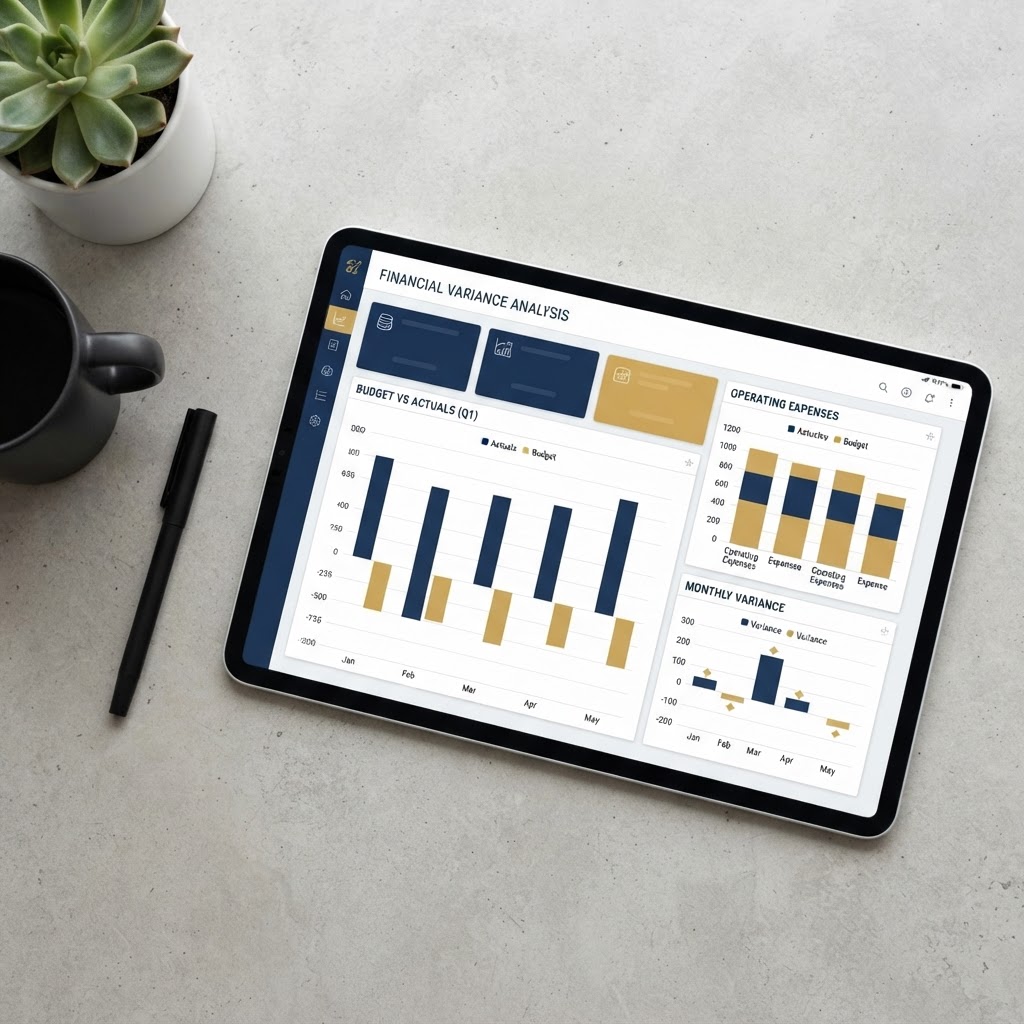
Every month, someone on your team spends four to six hours pulling actuals, dropping them into a template, calculating variances, and color-coding cells. Then they do it again next month. This is the single most automatable process in FP&A, and it's almost always done manually because "that's how it's always been done."
The fix is straightforward. If your ERP or accounting system can export a consistent data structure — same column headers, same account codes, same date format — you can build a Power Query workflow or a data connection in Excel or Google Sheets that refreshes with one click. Your variance report becomes a live template. You populate it by hitting refresh, not by copying and pasting from three different tabs.
The key is standardizing your source data first. If your actuals export looks different every month because someone changes the column layout or adds a filter, automation breaks. Spend two hours locking in a consistent export format with your accounting team, and you'll save two days a month every month after that. That's the trade worth making.
Forecast Consolidation: Kill the Email Chain
If your forecast process involves emailing Excel files to department heads, waiting for them to return filled-in templates, and then manually consolidating 12 versions into one model, you are running a process that creates errors by design. A single misaligned formula, a pasted value that overwrites a link, a file saved as the wrong version — any one of these breaks the model and costs hours to find.
The automation here isn't complicated. Microsoft Forms or Google Forms can collect structured forecast inputs from budget owners and feed them directly into a connected spreadsheet. No email attachments. No version control nightmares. Inputs land in one place, in one format, and your consolidation model reads from that single source. You can set this up in an afternoon.
If you're on a platform like Adaptive, Anaplan, or even Vena, you likely already have a workflow module that does this — you may just not be using it. Pull up the documentation, schedule thirty minutes with your implementation partner or a YouTube tutorial, and turn it on. The ROI on that thirty minutes is enormous. Forecast cycle time drops, error rates drop, and your team stops playing email tag with the VP of Sales the night before the close.
Flash Reporting: Give Leaders Numbers Before They Ask
Most CFOs send a flash report — revenue, bookings, cash, maybe a few KPIs — on the first or second business day of the month. Most of those flash reports are still being built manually. Someone pulls the numbers, formats a slide or a PDF, writes a few commentary lines, and sends it. The whole thing takes two to three hours that shouldn't exist.
Automated flash reporting means your KPIs are connected to live data sources and the report formats itself. Power BI and Tableau both support scheduled refreshes and email subscriptions — your stakeholders can receive an updated dashboard automatically, without your team touching anything. Even a well-structured Excel workbook with external data connections and a clean summary tab, saved to SharePoint, gives leaders a live view they can pull themselves.
The commentary is the one piece that still requires a human. But when your team isn't spending three hours pulling numbers, they have time to write commentary that's actually insightful — connecting the numbers to what's happening in the business, not just describing what the numbers are.
Budget-to-Actual Tracking: Make It Self-Serve
Finance teams spend significant time answering the same question from department heads: "How am I tracking against budget?" This question should never require a finance team member to respond manually. It should be answerable at any time, by any budget owner, through a self-serve dashboard.
Building this doesn't require a sophisticated BI tool. A SharePoint-hosted Excel file with slicers, connected to your actuals export, gives every department head a filtered view of their own budget performance. Permissions can be set so each owner only sees their department. You update the data file once a month — or automate even that step if your ERP supports it — and the dashboard does the rest.
When budget owners can answer their own questions, two things happen. First, your team gets time back. Second, business partners actually engage with the numbers more, because the friction of asking finance is gone. Self-serve financial reporting isn't just an efficiency play — it changes the relationship between finance and the rest of the business.
Recurring Data Pulls: Automate the Grunt Work at the Source
Every FP&A team has a list of data pulls that happen on a schedule — weekly sales data, daily cash balances, monthly headcount from HR. Someone runs these manually, formats them, and drops them into a folder or a model. This is exactly the kind of task that modern tools were built to eliminate.
Power Automate, Zapier, and similar workflow tools can be configured to pull data from source systems, transform it to a standard format, and deposit it exactly where your models expect it — on a schedule, without human intervention. If your systems have APIs, even better. If they don't, scheduled exports to a shared folder combined with Power Query's folder connector achieve the same result.
The ROI here compounds. Every recurring data pull you automate is not just time saved once — it's time saved every time that pull runs, indefinitely. A workflow that takes four hours to set up but saves forty-five minutes a week pays back in less than six weeks. Most finance leaders don't do this math explicitly, which is why the manual pull survives. Do the math. It's decisive.
The Bottom Line
None of these require a transformation project. They require an afternoon, some curiosity, and a willingness to question why your team is still doing manually what a formula or a workflow could do automatically. The tools are there. The ROI is obvious. The main barrier is inertia dressed up as process.
Start with the highest-pain process on this list — the one that consumes the most time and generates the most frustration on your team. Build the automation, test it through one cycle, and then move to the next. Don't try to automate everything at once. One solid automated workflow that your team trusts is worth more than five half-built ones nobody uses.
The CFOs who are winning right now aren't the ones with the biggest budgets or the most sophisticated tech stacks. They're the ones who extract full value from what they already have and protect their team's time ruthlessly. Automation is how you do that. Start this week.
Enjoyed this? Forward it to your CFO or FP&A lead. Subscribe to The Brief at thecfoffice.com